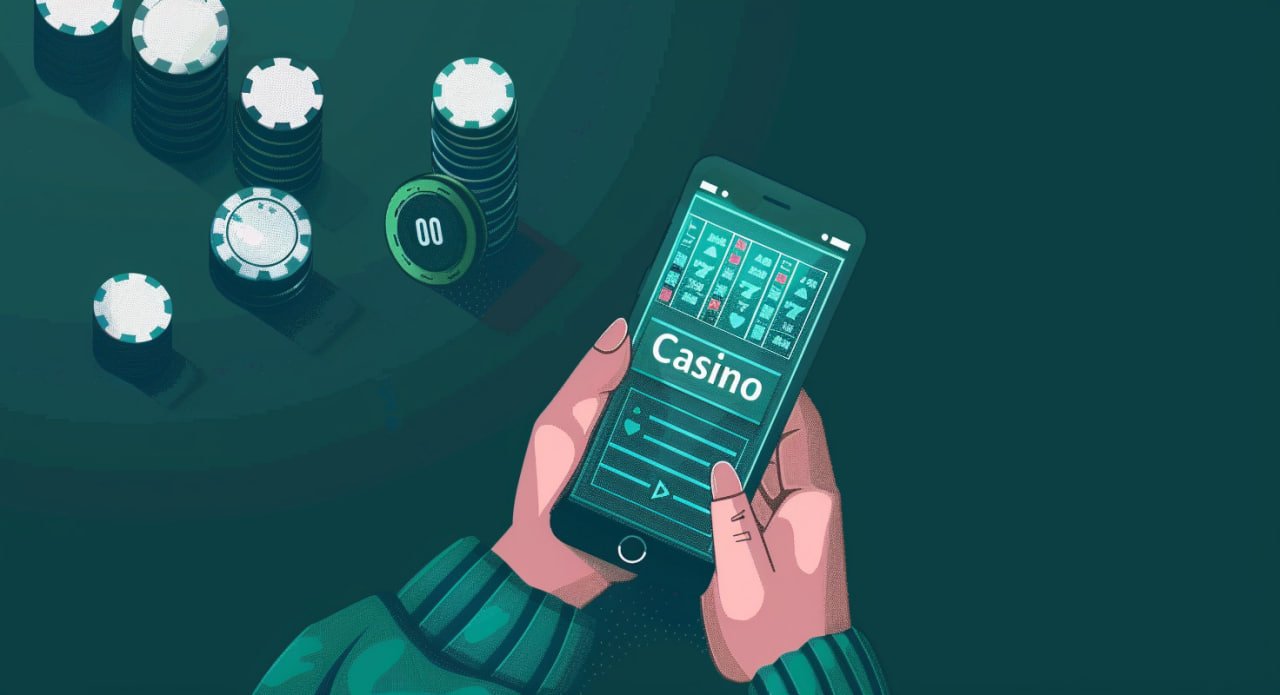
Download and Install saudi togel on Your Device
We offer three installation paths for saudi togel. The Android APK download is available directly from our website—no app store required. iOS users access saudi togel via mobile Safari or other mobile browsers; we do not maintain a separate iOS app, but our mobile site functions identically on iPhone and iPad. Desktop and tablet users can also use our responsive web app in any modern browser.

Step-by-step installation for Android
- Visit our website and tap the download button for Android APK.
- Your device prompts you to allow downloads from unknown sources; confirm this in your security settings.
- Once downloaded, open the APK file and tap "Install."
- After installation completes, open saudi togel, create or log into your account, and begin using the app.
Access via iOS or web browser
iOS users tap a bookmark or button to open our mobile site in Safari, Chrome, or another browser. The experience is responsive and optimized for iPhone screens. No separate app installation is needed. Web users on desktop or tablet simply navigate to our domain in any modern browser—no software download or installation required.
App vs. Browser: Strengths of Each on saudi togel
The Android APK app offers several advantages over the browser version. The app caches game assets locally, so recurring play sessions load faster. We send push notifications to alert you to new sportsbook odds on Liga 1 or Piala AFF, live-dealer table openings, or promotional messages. The app integrates with Android's native payment systems, making DANA, e-wallet, and mobile banking deposits seamless. The app also maintains your session even if your internet connection drops momentarily—you can resume play when reconnected.
The browser version (used on iOS, desktop, and tablet) requires no installation and works on any device with a web browser. You avoid giving app permissions to your device. Updates happen automatically—you always use the latest version without manual reinstalls. The browser version is also easier to use on shared devices, since closing the browser clears your session.
Both the app and browser access the same account, balance, transaction history, and game library. Your choice depends on your device type and preference. Android users who value speed and notifications often prefer the app; iOS users and those seeking simplicity often prefer the browser.
Device Requirements and Compatibility for saudi togel
Our Android APK requires Android 7.0 or later. Most devices sold in the last five years meet this requirement. If your device runs an older Android version, consider updating your operating system or upgrading your device to use saudi togel. Our iOS browser version works on iPhones and iPads running iOS 12.0 or later. Most iPhones and iPads from the last six years support this version.
Our mobile site detects your device type and screen size automatically, adjusting layout and touch targets accordingly. Phones with screens 4 inches to 7 inches are ideal; larger tablets may display extra spacing. Minimum recommended RAM is 2 GB; devices with less may experience slow performance.
Common Installation Issues and Fixes on saudi togel
If your Android device refuses to install the APK, you may not have enabled "Unknown Sources" in your security settings. Go to Settings → Security or Settings → Apps & Notifications, find "Unknown Sources" or "Install Unknown Apps," and toggle the permission on. Some devices ask for permission per app; grant it for the browser or file manager you use to download the APK. If installation still fails, delete any cached APK file and download again.
On iOS, if our mobile site loads slowly or fails to load, clear your browser cache: Settings → [Browser Name] → Clear Browsing Data. Toggle off "Cookies and Site Data" and "Cached Images and Files," then tap "Clear Browsing Data." Reload the site. If the issue persists, try a different browser (Safari, Chrome, Firefox) to rule out a browser-specific problem. Ensure your iOS version is current by checking Settings → General → Software Update.

Permissions, Data, and Account Security on saudi togel
The saudi togel Android app requests permissions to access your device's internet connection (required for deposits and live games), storage (to cache game assets and speed up subsequent launches), and device ID (to prevent fraud and match devices to accounts). We do not request permissions to access your contacts, camera, microphone, or location unless you choose to share them for customer support purposes. On iOS and browser access, we request only the permissions your browser grants us—typically internet connection and temporary storage.
Your account data—email, phone, identity documents, payment methods, and transaction history—is encrypted in transit and at rest on our servers. We do not sell or share your data. You can review your account information, connected payment methods, and transaction history anytime in Account Settings. If you suspect unauthorized access, change your password immediately and contact our support team.